
Quick answer
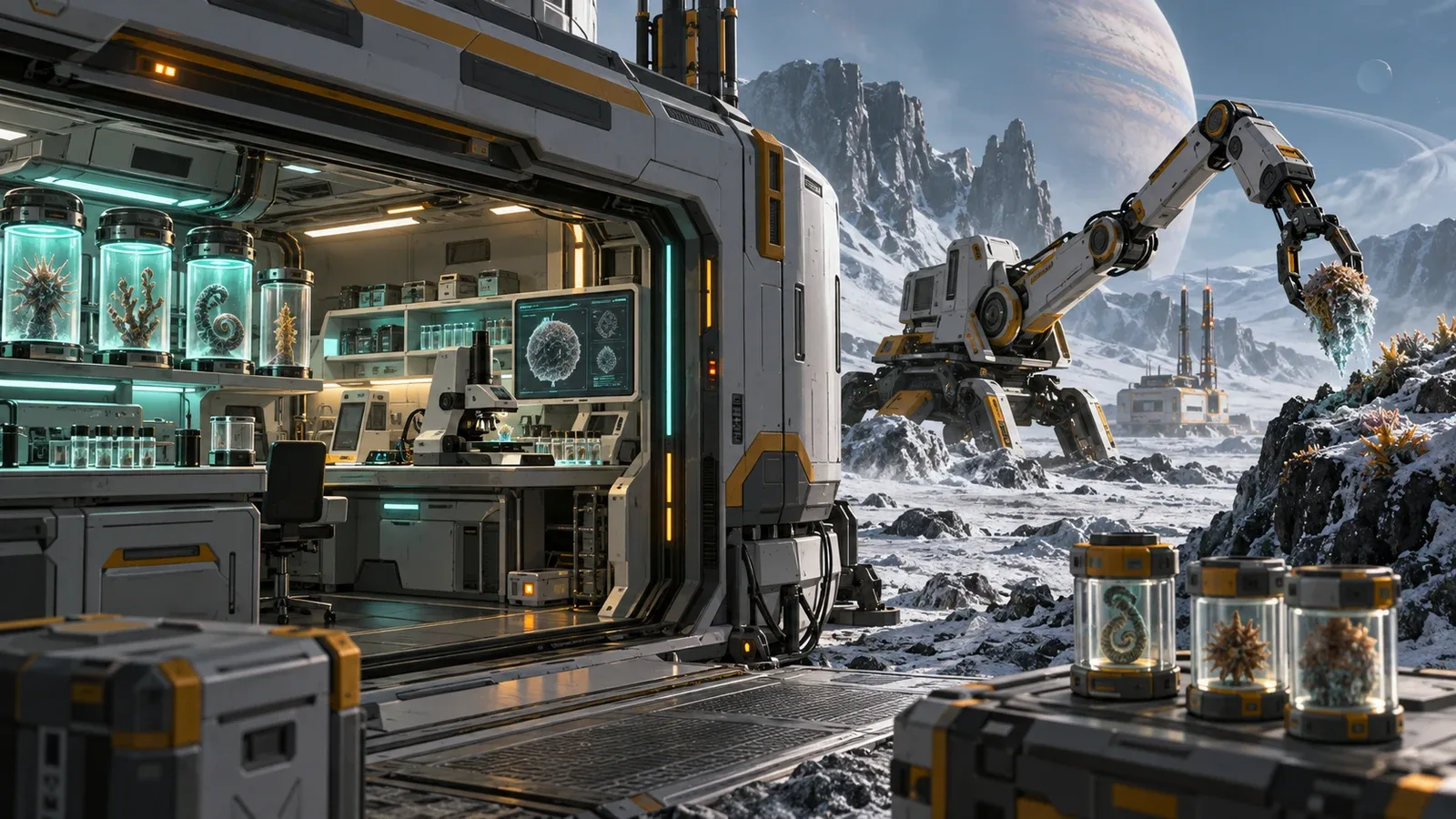
The starter biology loop has two separate jobs. The bio collector scans for nearby sites and collects one specimen when its cargo is empty. The biology lab then pulls that specimen from the collector, analyzes it, loads the required reagents, and extracts the sample. The key lesson is that hardware actions stay local to the machine running the script.
Specimen data in 0.1.36
Cataloged self.specimen now includes fragment, name, rarity and recipe. Call analyze() before extract(), even when the recipe is visible. Update details.
What a recorded scan actually returns
The clearest recorded session scanned the frozen biome around the base and got 16 candidate sites, each with a coords and a distance field, and noted that all 16 fragments looked unique. A specimen pulled from the collector prints its own state — coordinates, distance, stage: collected, and fragment ID: none / recipe: none until analysis fills them in. One recorded session’s first list element was the fruiting body, but that was one world seed — assume your first element can differ (to be confirmed whether scan order is seed-dependent).
The bio loop is recommended as the first credit path after the first contact reward: short scripts, clear goals, and progress you can watch without leaving the base.
Step 1: collector loop
A minimal starter shape from the walkthrough is:
while True:
    if self.cargo != 0:
        pass
    else:
        sites = self.scan()
        if len(sites) > 0:
            target = sites[0]
            self.collect(target.coords)
The important idea is simple: if the collector already has cargo, wait. The collector holds one specimen — the recorded docs call the useful shape “if cargo full, wait; otherwise scan, pick one site, collect, repeat.” self.collect() needs an argument; a bare call errors with requires at least one argument.
Step 2: move the specimen into the lab
The lab can reference the collector, but the lab performs lab hardware actions through self.
collector = get_component("bio collector 1")

if not self.input:
    self.take_from(collector)
That reads naturally as “Biology lab, take the specimen from that collector.” The recorded docs are explicit about the boundary: the lab never calls the collector’s collect — collection is the collector’s own hardware job. Component names are numbered (bio collector 1), so match the info card.
Step 3: analyze before reading the recipe
if self.input and self.input.stage == "collected":
    info = self.analyze()
Do not read self.input.recipe before an analyzed specimen has produced recipe data. The recorded run hits exactly that error — cannot access recipe on none — while building the loop.
Step 4: load the recipe and extract
The walkthrough describes the recipe as a dictionary of reagent IDs and required quantities. That makes the natural automation shape:
recipe = self.input.recipe

for reagent in recipe.keys():
    need = recipe[reagent]
    loaded = self.loaded_reagents.get(reagent, 0)
    if loaded < need:
        self.load(reagent, need - loaded)

self.extract()
Two recorded warnings around this step:
- Extraction is unforgiving. The recorded docs say if extraction runs with missing, extra, or wrong ingredients, they are lost and the specimen stays in the lab.
- The lab cannot buy reagents. A recorded session confirmed there is no buy call in the lab script — the error message tells you to open the recipe reagents screen and buy what is missing by hand. Recorded prices: alkaline buffer 10 units for 10 credits, cryo solvent 10 for 20 credits, which is why the first recorded lab runs lost money until deliveries started paying.
Getting paid: orders and delivery
The bio exchange side uses self.orders to read the order list and a set-active-order action to pick a target. A recorded order asked for three cranial papilla specimens for 700 credits; self.deliver hands samples over one at a time. One session funded its early reagent habit exactly this way after burning most of the 1,000-credit first contact reward on supplies.
Core programming lessons from the biology system
selfis local. In the collector script, it means the collector. In the lab script, it means the lab.- Lists have indexes.
scan()returns candidate sites;sites[0]is the first one, and indexes start at 0. - State matters. Check cargo/input/stage before telling the machine what to do next.
- Dictionaries hold recipe quantities. The analyzed specimen exposes the reagent needs by key.
- Stops reset loops. Stopping a script restarts it from the top — a recorded collector loop began again at index 0 after every stop.
Why the loop may stall
- The collector cargo is full, so its script is correctly waiting for the lab.
- The lab has no input because the collector never completed a collection.
- The lab tries to read a recipe before analysis created it.
- The scripts are valid, but the power system dipped and one of the machines is not running — recorded sessions needed a second solar panel to keep this loop alive.
- The machine’s script is running, so manual button actions (like discard) are blocked; stop the script first.
Patch note: build 0.1.22 (September 13, 2026)
The first post-launch patch targets this exact loop. The developer’s notes list biology machines getting stuck with full outputs as fixed, with improved input/output displays on those machines. If you followed a pre-patch workaround for a lab that stopped responding with a full output buffer, update the game and re-run the loop before changing your script — the stall you are chasing may already be patched. A Feed Maker Mk II and faster depot-handling upgrades were also added on the same build.
What the patch does not change: extraction still consumes and loses wrong or extra reagents, the lab still cannot buy reagents for you, and cargo-full waiting in the collector script is still the intended shape.
Evidence and version notes
The 16-site scan, single cargo slot, stage names, reagent prices, extraction warning, and order example are from recorded playthroughs (closed testing and public demo builds, September 2026). The Early Access build launched September 9, 2026; the 0.1.22 patch notes are the developer’s own release notes for September 13, 2026. If your build’s flow differs, your build’s docs win. Related pages: the component reference for the bio collector and biology lab rows, and the solar tracker for the power this loop needs to stay alive.
Related guides
- Component & machine reference — the bio collector and biology lab rows
- Solar tracker script — the second panel this loop ends up needing
- Crafting & reagents — where the reagents the lab loads come from